7 Best AppLaunchpad Alternatives (2026)
Looking for an AppLaunchpad alternative? We compare 7 options covering features, workflow, and which one fits different use cases.
AppLaunchpad is the most established App Store screenshot tool. It’s been around for years, has a huge template library, and works reliably. So why do people look for alternatives?
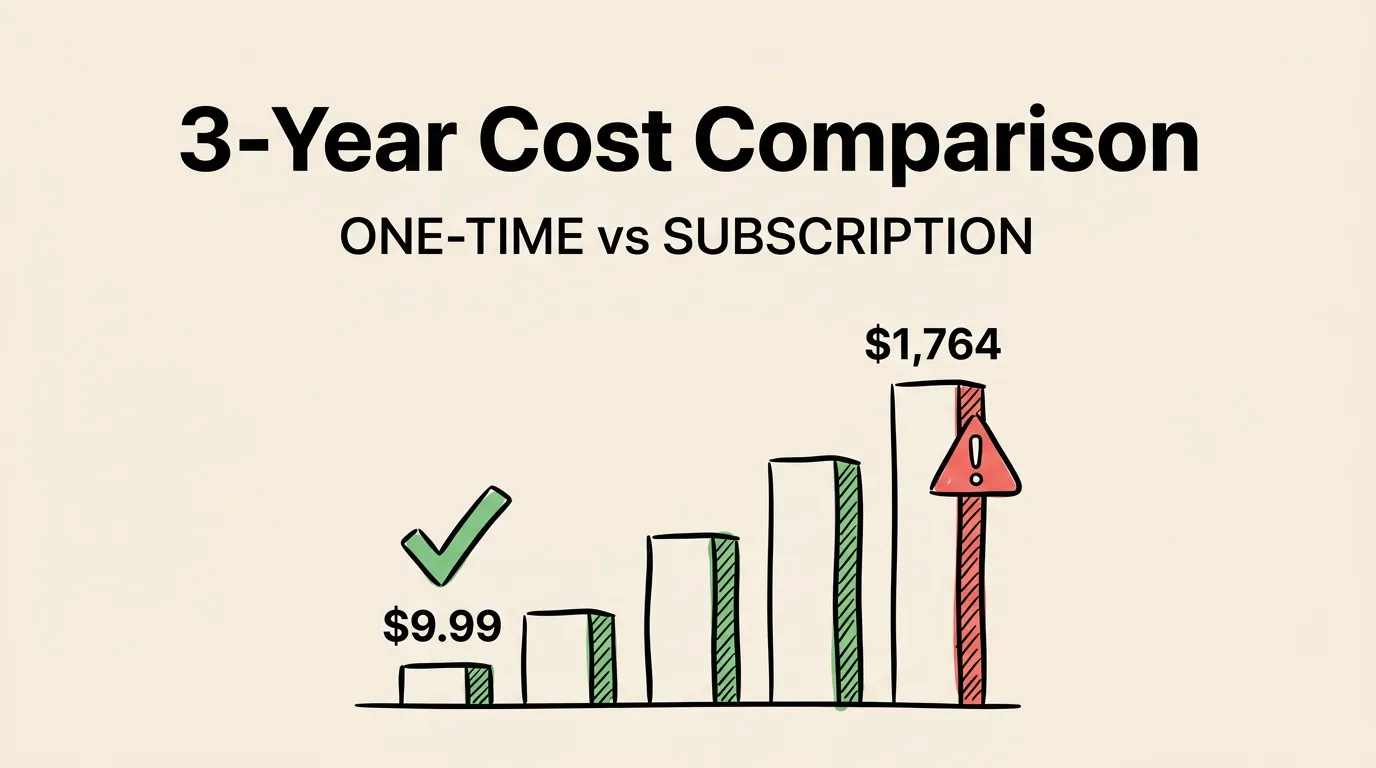
Three reasons keep coming up: the monthly subscription adds up fast, there are no AI features in 2026 (you write every caption and research every competitor yourself), and there’s no App Store Connect upload (you still drag and drop files manually after creating screenshots).
Here’s what else is out there.
Quick Comparison
| Tool | Platform | AI Features | Best For |
|---|---|---|---|
| Screenshot Lab | macOS | Captions, research, localization | Indie iOS devs |
| Screenshots Pro | macOS | None | Mac users wanting templates |
| Hotpot.ai | Web | AI backgrounds | Budget-conscious devs |
| Previewed | Web | None | 3D mockups and video |
| AppScreens | Web | Auto-resize | Multi-platform (iOS + Android) |
| Figma | Web | None | Designers with time |
| Canva | Web | None | Quick non-technical edits |
Screenshot Lab
The newest tool on this list, and the most different from AppLaunchpad. Where AppLaunchpad gives you a blank template and says “go,” Screenshot Lab starts by researching your competitors. It downloads their screenshots, reads their captions with OCR, and generates ASO-optimized captions for your app.
The other big difference: direct App Store Connect upload. After creating your screenshots, they go straight to App Store Connect via the API. No downloading PNGs. No dragging files into a web interface.
It also does AI-powered localization. Not Google Translate. Market-specific keyword adaptation for 40+ languages.
The tradeoff is template variety. Screenshot Lab has 5 templates where AppLaunchpad has 100+. If template selection is your priority, that’s a real gap. But if you care about the strategy behind your screenshots (what to write, which keywords to target, how to localize), Screenshot Lab is in a different league.
macOS only. Windows and Linux users need to look elsewhere.
Screenshots Pro
The traditional Mac screenshot editor. Pick a template (20+ options), drop in your screenshots, adjust text, export. No surprises, no complexity, no AI.
If you liked AppLaunchpad’s editor but wanted something native on Mac, Screenshots Pro is the closest equivalent. The editor is polished, the performance is excellent (native Mac app), and it handles all device sizes properly.
What it won’t do: research competitors, generate captions, localize screenshots, or upload to App Store Connect. You handle all of that yourself.
Hotpot.ai
Not a dedicated screenshot tool. It’s a general AI design platform that includes screenshot creation as one of many features.
The interesting bit: AI-generated backgrounds from text prompts. Describe what you want and it creates a custom background. No other tool does this.
Everything else is minimal. Limited templates, no ASO features, no upload. But the free tier makes it worth trying if you’re on a tight budget. Just don’t expect it to replace a proper screenshot workflow.
Previewed
The 3D mockup specialist. If you want your screenshots rendered on devices at dramatic angles with realistic reflections and shadows, Previewed is the best option by far. It also creates app preview videos from static screenshots.
As a screenshot creation tool, though, it’s not ideal. The workflow is focused on mockups, not on the full screenshot pipeline (research, captions, templates, export, upload). Think of it as a complement to a screenshot tool, not a replacement for one.
AppScreens
The multi-platform option. AppScreens handles both iOS and Android screenshot requirements in one workflow. Create once, export for App Store and Google Play.
If you ship on both platforms, this is one of the few tools that does both well. For iOS-only developers, though, the subscription covers Android features you’ll never touch. And the web editor can feel heavy with lots of screenshots loaded.
Figma
Figma Community has hundreds of free App Store screenshot templates. Combined with Figma’s design tools, you get complete creative control. The cost: your time. Plan 4-8 hours for a full set in one language. Every resize, localization, and export is manual.
This is the right choice if you’re a designer who wants pixel-level control and doesn’t mind investing the hours. Our step-by-step creation guide covers the manual workflow. For everyone else, the time cost is hard to justify.
Canva
The simplest option on this list. Canva’s drag-and-drop interface is accessible to anyone, and its template library includes basic app mockups.
But it’s not built for App Store screenshots. No correct size presets, no device frames, no multi-size export. You’ll spend more time adapting Canva to the task than using a purpose-built tool. Best for quick one-off mockups, not production screenshot sets.
Feature Comparison
| Feature | AppLaunchpad | Screenshot Lab | Screenshots Pro | Hotpot.ai | Previewed | AppScreens | Figma |
|---|---|---|---|---|---|---|---|
| AI captions | No | Yes | No | No | No | No | No |
| AI research | No | Yes | No | No | No | No | No |
| AI localization | No | Yes | No | No | No | No | No |
| ASC upload | No | Yes | No | No | No | No | No |
| Templates | 100+ | 5 | 20+ | 10+ | 30+ | 50+ | Community |
| Android | Yes | No | No | Yes | Yes | Yes | Manual |
| Offline | No | Yes | Yes | No | No | No | No |
| 3D mockups | No | No | No | No | Yes | No | Manual |
Which Alternative Fits You?
Want a native Mac app? Screenshot Lab and Screenshots Pro both run natively on macOS.
Want AI to handle captions and strategy? Screenshot Lab is the only option with AI competitor research, caption generation, and localization.
Need Android support? Stay with AppLaunchpad or try AppScreens. They’re the strongest multi-platform choices.
Want offline, native performance? Screenshot Lab or Screenshots Pro. Both are Mac apps that work without an internet connection (except for AI features).
Need direct App Store Connect upload? Screenshot Lab is the only tool on this list with API upload integration.
On the tightest budget? Figma (free, but time-intensive) or Hotpot.ai (free tier with limits).
Common Questions
Can I import my AppLaunchpad projects into another tool? No. Templates and projects don’t transfer between tools. You’ll need to recreate your designs. With AI tools like Screenshot Lab, that takes about 20 minutes. See our Screenshots Pro vs Screenshot Lab comparison for a deeper dive.
Which alternative has the most templates? Figma Community has the most overall (hundreds of free templates). Among dedicated tools, AppScreens has 50+ and Screenshots Pro has 20+.
Is there a Windows alternative? AppScreens, Previewed, Hotpot.ai, Figma, and Canva all work in a browser on any OS. Screenshot Lab and Screenshots Pro are Mac-only.
Which is best for teams? For web-based collaboration, AppScreens or Figma. The Mac-native tools are single-user.