Seasonal ASO Strategy: Holiday and Event Optimization for Apps
Plan your App Store Optimization around seasonal events. Learn when to update metadata, how to create seasonal screenshots, and which holidays and events drive the most app downloads.
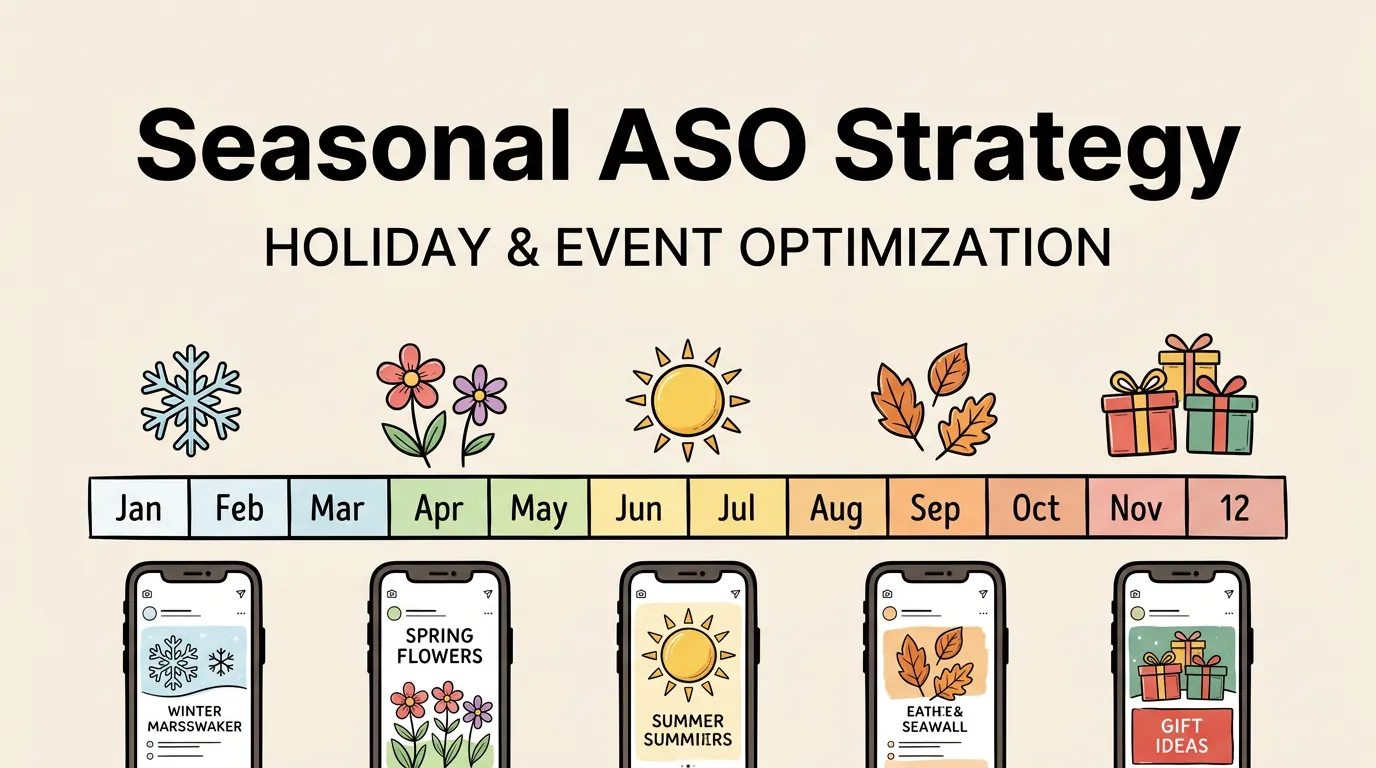
January 1st is the biggest download day of the year. Every year. Without exception. New Year’s resolutions drive massive spikes in fitness, productivity, finance, and wellness apps. If you are a habit tracker that updates its metadata on January 2nd, you have already missed the wave.
Seasonal ASO is about preparation, not reaction. The developers who capture seasonal traffic are the ones who update their keywords, screenshots, and messaging weeks before the seasonal spike hits. Everyone else gets the leftovers.
This guide covers the full seasonal calendar, preparation timelines, metadata strategies, screenshot approaches, and category-specific patterns you need to capture seasonal traffic. For the broader ASO framework, see our complete ASO guide.
Why Seasonal ASO Matters
App Store traffic is not evenly distributed across the year. Certain periods see massive spikes in downloads, and the composition of those downloads shifts dramatically by category.
| Period | Download Spike | Top Categories |
|---|---|---|
| Christmas/New Year (Dec 25-Jan 7) | +40-60% | Games, Productivity, Fitness, Finance |
| Back to School (Aug-Sep) | +20-30% | Education, Productivity, Utilities |
| Black Friday/Cyber Monday | +30-50% | Shopping, Finance, Games (with promotions) |
| Summer (Jun-Aug) | +15-20% | Travel, Photo, Health, Games |
| Tax Season (Feb-Apr) | +25-35% | Finance, Utilities |
| Valentine’s Day (Feb 10-14) | +15-25% | Dating, Photo, Shopping |
| Halloween (Oct 15-31) | +10-20% | Games, Photo, Entertainment |
| Mother’s/Father’s Day | +10-15% | Shopping, Photo, Health |
The Christmas-New Year period alone accounts for approximately 15-20% of annual app downloads. Missing this window means leaving a significant chunk of potential users on the table.
The Seasonal ASO Calendar
Here is a month-by-month calendar of seasonal opportunities and when to start preparing:
| Month | Seasonal Event | Prep Start | Keywords to Target |
|---|---|---|---|
| January | New Year’s resolutions | Early December | new year, resolution, goals, habits, fresh start |
| February | Valentine’s Day, Tax season starts | Late January | valentine, love, gift, tax, filing |
| March | Spring cleaning, Ramadan | Mid-February | spring, organize, declutter, ramadan, fasting |
| April | Tax deadline, Easter | Mid-March | tax deadline, easter, spring break |
| May | Mother’s Day, graduation | Early April | mother’s day, gift, graduation, grad |
| June | Father’s Day, summer starts | Early May | father’s day, summer, vacation, travel |
| July | 4th of July, mid-summer | Early June | summer, independence, BBQ, outdoor |
| August | Back to school | Early July | back to school, student, study, school |
| September | Fall, new iPhone launch | Early August | fall, new semester, iPhone |
| October | Halloween | Early September | halloween, costume, spooky, horror |
| November | BFCM, Thanksgiving | Early October | black friday, deals, sale, thanksgiving |
| December | Christmas, Hanukkah, year-end | Early November | christmas, holiday, gift, year review |
The key insight: start preparing your seasonal update 4-6 weeks before the event. Apple’s review process takes 1-3 days, but you also need time to research seasonal keywords, design new screenshots, and test different messaging.
How to Prepare Metadata for Seasonal Events
Keyword Field Adjustments
Your keyword field is the easiest place to incorporate seasonal terms. Since it is hidden from users, you can swap keywords without affecting your brand presentation.
Strategy: Maintain a “core” set of keywords (70-80 characters) that stay constant year-round, and reserve 20-30 characters for seasonal rotation.
| Season | Core Keywords (Keep) | Seasonal Keywords (Rotate In) |
|---|---|---|
| January | budget,tracker,expense,savings,planner | resolution,new year,goals,habit |
| April | budget,tracker,expense,savings,planner | tax,filing,deadline,refund |
| August | budget,tracker,expense,savings,planner | college,student,school,semester |
| November | budget,tracker,expense,savings,planner | black friday,deals,holiday,gift |
Subtitle Rotation
Your subtitle is visible and indexed. Rotating it for major seasons can boost both relevance and conversion. However, change it less frequently than keywords (only for major seasonal events) to maintain consistency.
| App Type | Default Subtitle | Holiday Subtitle |
|---|---|---|
| Fitness | ”Your Personal Workout Coach" | "New Year Fitness Goals Start Here” |
| Budget | ”Smart Money Management" | "Holiday Budget Planner & Tracker” |
| Recipe | ”Meal Planning Made Easy" | "Holiday Recipes & Meal Plans” |
| Photo | ”Professional Photo Editing" | "Holiday Card & Photo Editor” |
Promotional Text
This is your most agile tool. Update promotional text instantly, without an app review, to match any seasonal moment.
Examples:
- “New Year’s resolution? We’ve got you. Start your 7-day free trial.”
- “Black Friday Special: 50% off annual Premium. This week only.”
- “Back to school? Set up your study schedule in 2 minutes.”
Seasonal Screenshot Strategies
Screenshots are the most visually impactful seasonal optimization. A screenshot that reflects the current season or holiday signals relevance and recency to users.
Full Screenshot Redesign vs. Caption Updates
You have two approaches:
| Approach | Effort | Impact | Best For |
|---|---|---|---|
| Full redesign | High (5-10 hours) | High | Major seasons (Christmas, NYE) |
| Caption-only update | Low (1-2 hours) | Moderate | Minor seasons (Valentine’s, Halloween) |
| First screenshot only | Medium (2-3 hours) | Medium-High | When time is limited |
Full redesign means changing backgrounds, color schemes, and caption text to match the seasonal theme. This makes the strongest impression but requires more design work.
Caption-only update keeps your existing screenshot layouts but changes the captions to include seasonal messaging. For example, changing “Track Your Budget Effortlessly” to “Your Holiday Budget, Under Control.”
First screenshot only is a good compromise. Since the first screenshot gets 3-5x more views than any other, a seasonal first screenshot captures most of the impact with a fraction of the effort.
For screenshot design foundations, see our screenshot design principles guide.
Seasonal Screenshot Color Palettes
| Season | Primary Colors | Accent Colors | Mood |
|---|---|---|---|
| New Year | Gold, White, Navy | Silver, Champagne | Fresh, aspirational |
| Valentine’s | Pink, Red, White | Rose gold, Blush | Warm, romantic |
| Spring | Green, Light blue, White | Yellow, Lavender | Fresh, clean |
| Summer | Bright blue, Yellow, Orange | Coral, Teal | Energetic, fun |
| Back to School | Navy, Orange, Green | Yellow, Brown | Academic, structured |
| Halloween | Orange, Black, Purple | Green (neon), White | Playful, spooky |
| BFCM | Black, Gold, Red | White, Silver | Urgent, premium |
| Christmas | Red, Green, Gold | White, Silver | Festive, warm |
For detailed guidance on screenshot redesigns, see our screenshot redesign guide.
Category-Specific Seasonal Patterns
Different app categories peak at different times. Understanding your category’s seasonal pattern lets you focus your efforts where they matter most.
Fitness and Health
Peak: January (New Year’s resolutions), September (back-to-routine) Strategy: Launch your biggest update in late December. Target “new year workout,” “resolution fitness,” and “2026 fitness goals” in keywords. Update screenshots to show fresh-start imagery.
Finance and Budgeting
Peak: January (new year budgeting), February-April (tax season), November (holiday budgeting) Strategy: Three distinct seasonal pushes per year. Tax season keywords are especially valuable because intent is extremely high.
Education
Peak: August-September (back to school), January (new semester) Strategy: Target “back to school” keywords starting in July. Update screenshots to show study-related use cases.
Shopping and E-Commerce
Peak: November (Black Friday/Cyber Monday), December (holiday shopping) Strategy: This is the most competitive seasonal window. Start keyword prep in October. Emphasize deals, savings, and convenience in captions.
Games
Peak: December 25 (new devices), summer (school breaks) Strategy: Games benefit from the gift-device cycle. Many new iPhones and iPads are activated on Christmas morning, and users immediately download games. Have your best screenshots and keywords ready by mid-December.
Travel
Peak: January (vacation planning), May-June (summer travel), November (holiday travel booking) Strategy: Target destination-specific keywords for each season. Update screenshots to show seasonal travel scenarios.
Planning Timeline: A Seasonal ASO Sprint
Here is a repeatable sprint template for any seasonal optimization:
| Timeline | Action |
|---|---|
| 6 weeks before | Research seasonal keywords (search volume, competition) |
| 5 weeks before | Decide on screenshot approach (full redesign, caption update, or first-only) |
| 4 weeks before | Design seasonal screenshots using Screenshot Lab |
| 3 weeks before | Write seasonal captions, update keyword field, adjust subtitle if needed |
| 2 weeks before | Submit app update with seasonal metadata and screenshots |
| 1 week before | Update promotional text with seasonal messaging |
| Event day | Monitor download metrics, adjust Search Ads bids |
| 1 week after | Evaluate results, decide whether to keep seasonal assets or revert |
| 2 weeks after | Revert to evergreen metadata (or keep if still performing) |
The most common mistake is reverting too late. “Happy New Year” screenshots in February look stale and actually hurt conversion. Set a calendar reminder to revert seasonal assets.
Advanced Seasonal Tactics
Pre-Season Apple Search Ads
Seasonal keywords spike in search volume but also in bid prices. Get ahead of the competition by starting broad-match Search Ads campaigns 4-6 weeks before the seasonal peak. This lets you discover the exact seasonal terms users search for while bids are still low. See our keyword research guide for more on this approach.
Localized Seasonal Content
Different markets have different holidays. Chinese New Year matters more than Christmas in some Asian markets. Diwali drives massive download spikes in India. Ramadan affects multiple Middle Eastern and Southeast Asian markets.
If you serve international users, create locale-specific seasonal screenshots. For guidance on localization, see our screenshot localization guide.
| Holiday | Key Markets | Timing |
|---|---|---|
| Chinese New Year | China, Taiwan, SE Asia | January-February |
| Diwali | India | October-November |
| Ramadan | Middle East, Indonesia, Malaysia | Varies (March-April in 2026) |
| Carnival | Brazil | February-March |
| Golden Week | Japan | Late April-May |
| Singles’ Day (11.11) | China | November 11 |
Year-in-Review and Awards
December is also the time for “Best of the Year” lists and app awards. If you have won any awards or received press coverage, update your promotional text and screenshots to highlight them. Social proof is especially powerful during the holiday download spike when users are choosing between many options.
Measuring Seasonal ASO Impact
Track these metrics before, during, and after each seasonal push:
| Metric | When to Measure | What to Compare |
|---|---|---|
| Keyword rankings | Weekly during season | Vs. pre-season baseline |
| Impressions | Daily during peak | Vs. same period last year |
| Conversion rate | Daily during peak | Vs. non-seasonal baseline |
| Install volume | Daily during peak | Vs. pre-season and vs. last year |
| Revenue (if applicable) | Weekly | Vs. non-seasonal period |
The goal is to quantify how much additional traffic and revenue your seasonal optimization captured. This data will inform how much effort to invest in the next seasonal cycle.
Frequently Asked Questions
How many seasonal updates should I do per year? For most apps, 3-4 major seasonal updates per year is the sweet spot. Target the 2-3 biggest opportunities for your category (almost always including the Christmas/New Year window) and pick 1-2 category-specific peaks. More than 4-5 per year creates fatigue and the design work may not justify the returns.
Should I change my app icon for seasonal events? Generally no, unless seasonal theming is central to your brand (e.g., a holiday shopping app). Changing your icon can confuse existing users who look for it on their home screen. If you do change it, keep the core shape and color recognizable and revert promptly after the season.
When should I revert seasonal metadata? Within 1-2 weeks after the event. “Happy New Year” messaging in mid-January looks outdated. Christmas themes in January feel stale. Set a calendar reminder when you submit the seasonal update so you do not forget to revert. The one exception: if your seasonal keywords are still driving strong traffic, keep them until performance declines.
Do seasonal keywords compete with my evergreen keywords? They can if you replace core keywords rather than supplementing them. The best approach is to reserve 20-30 characters in your keyword field for seasonal rotation while keeping your 70-80 most important evergreen keywords in place. Never sacrifice a high-performing evergreen keyword for a seasonal one.
Is seasonal ASO worth it for new apps? Absolutely. Seasonal periods have higher overall download volumes, which means more opportunity even for new apps. The Christmas-New Year window is especially valuable because millions of new devices are activated, and new device owners are actively searching for apps to download. Being well-optimized for this period can give a new app its first significant traffic.