App Store Screenshot Sizes 2026: Complete Guide for Every Device
Every iPhone, iPad, Mac, Apple Watch, and Apple TV screenshot dimension for App Store Connect in 2026. Exact pixel sizes, what's required vs optional, and common mistakes to avoid.
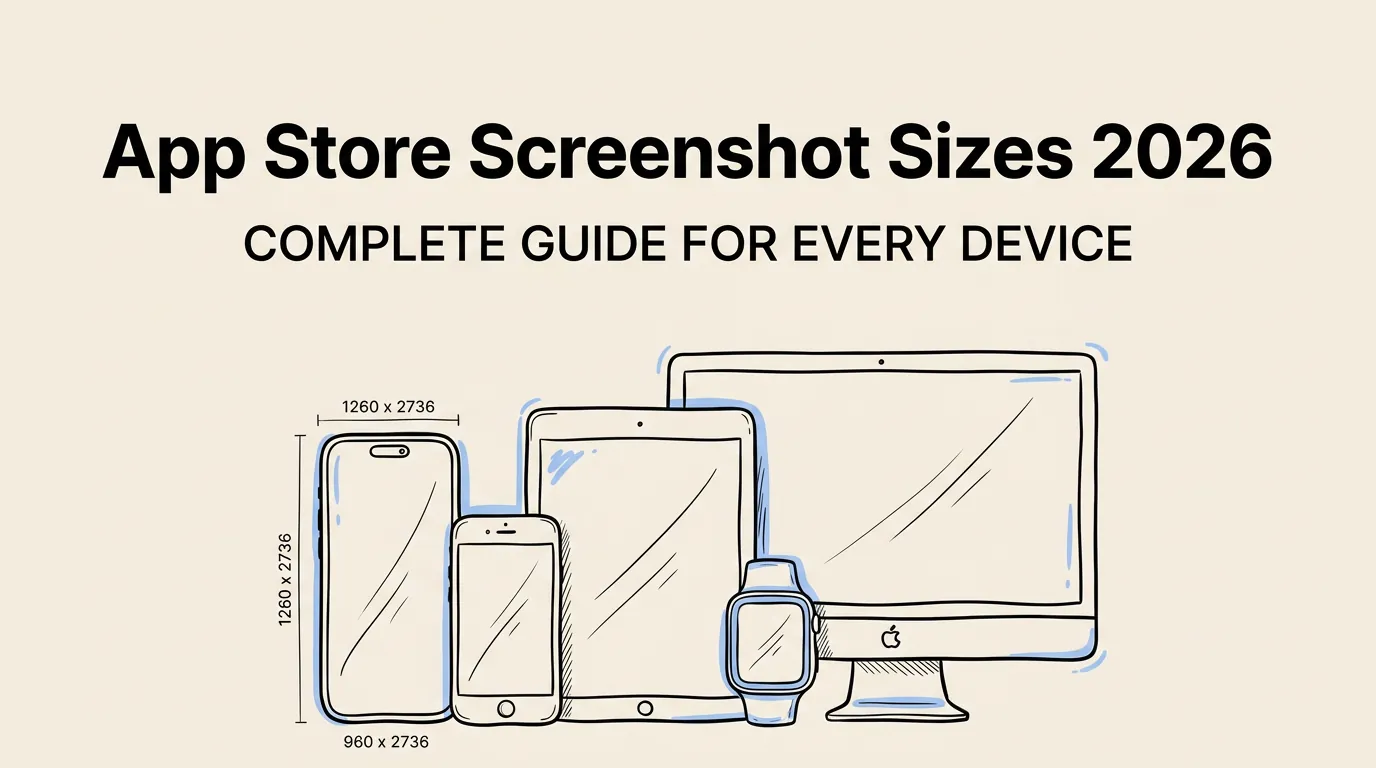
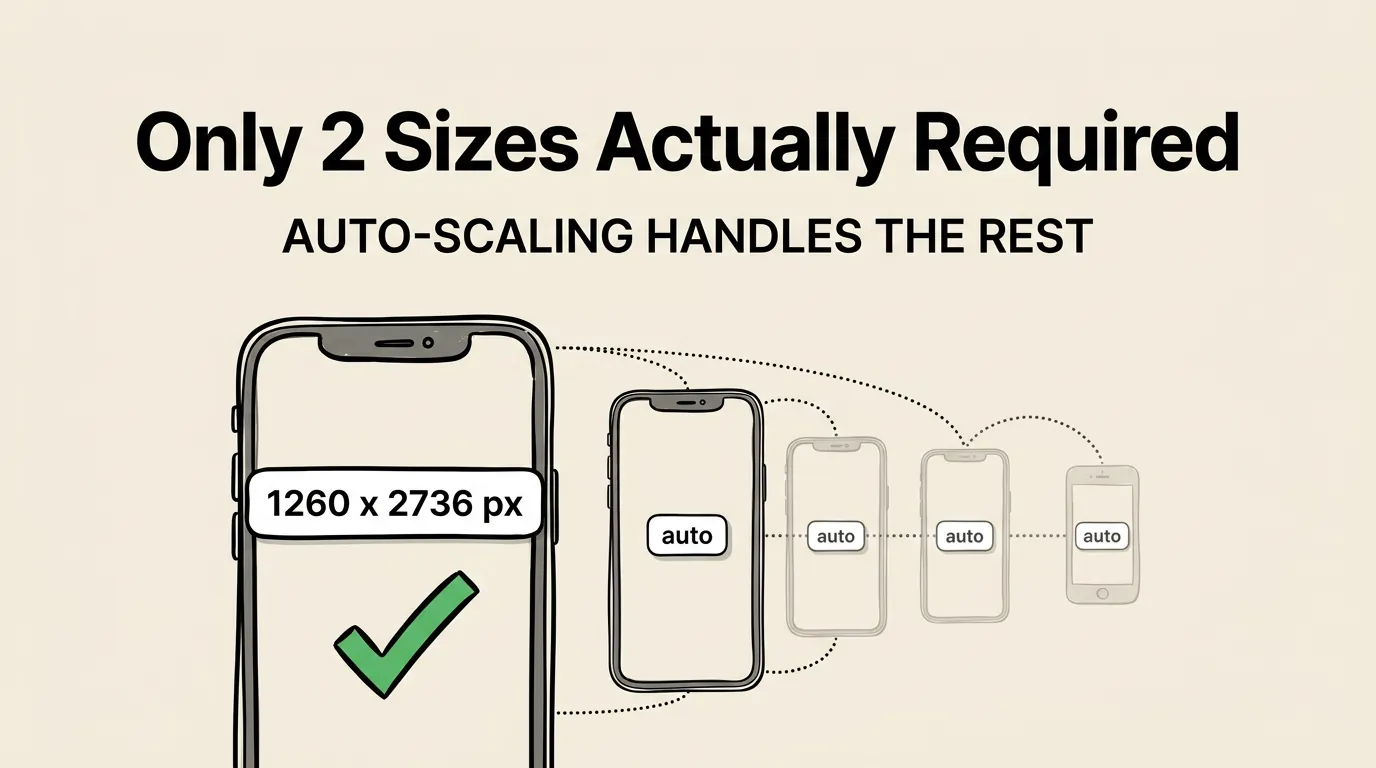
You only need two screenshot sizes: iPhone 6.9” at 1260 x 2736 px and iPad 13” at 2064 x 2752 px. App Store Connect auto-scales everything else. That’s it.
Quick Reference: Required Sizes
| Platform | Display | Pixels (Portrait) | Required? |
|---|---|---|---|
| iPhone | 6.9” | 1260 x 2736 | Yes |
| iPad | 13” | 2064 x 2752 | Yes (if iPad app) |
| Mac | 16:10 | 2880 x 1800 | Yes (if Mac app) |
| Apple Watch | Ultra 3 | 422 x 514 | Yes (if Watch app) |
| Apple TV | 4K | 3840 x 2160 | Yes (if TV app) |
| Vision Pro | n/a | 3840 x 2160 | Yes (if Vision app) |
Everything else is optional. App Store Connect automatically scales your screenshots to fit smaller devices. For a full walkthrough on creating screenshots at these sizes, see our step-by-step creation guide.
iPhone Screenshot Sizes
The iPhone is where 95%+ of your App Store traffic comes from. Get this right first.
6.9-inch: The Only Required Size
1260 x 2736 pixels (portrait) or 2736 x 1260 pixels (landscape).
This covers: iPhone Air, iPhone 17 Pro Max, iPhone 16 Pro Max, iPhone 16 Plus, iPhone 15 Pro Max, iPhone 15 Plus, iPhone 14 Pro Max.
If you only provide one iPhone size, make it this one.
All Other iPhone Sizes (Optional)
These all auto-scale from the 6.9” screenshots. You only need to provide them if your app looks very different at smaller screen sizes.
| Display | Pixels (Portrait) | Devices |
|---|---|---|
| 6.5” | 1284 x 2778 | iPhone 14 Plus, 13 Pro Max, 12 Pro Max, XS Max |
| 6.3” | 1206 x 2622 | iPhone 17 Pro, 16 Pro, 15 Pro, 15, 14 Pro |
| 6.1” | 1170 x 2532 | iPhone 16e, 14, 13, 12, 11 Pro, XS, X |
| 5.5” | 1242 x 2208 | iPhone 8 Plus, 7 Plus, 6S Plus |
| 4.7” | 750 x 1334 | iPhone SE (2nd/3rd), 8, 7, 6S |
| 4” | 640 x 1136 | iPhone SE (1st), 5S, 5 |
iPad Screenshot Sizes
If your app runs on iPad, you must provide iPad screenshots. App Store Connect rejects submissions without them.
13-inch: The Only Required Size
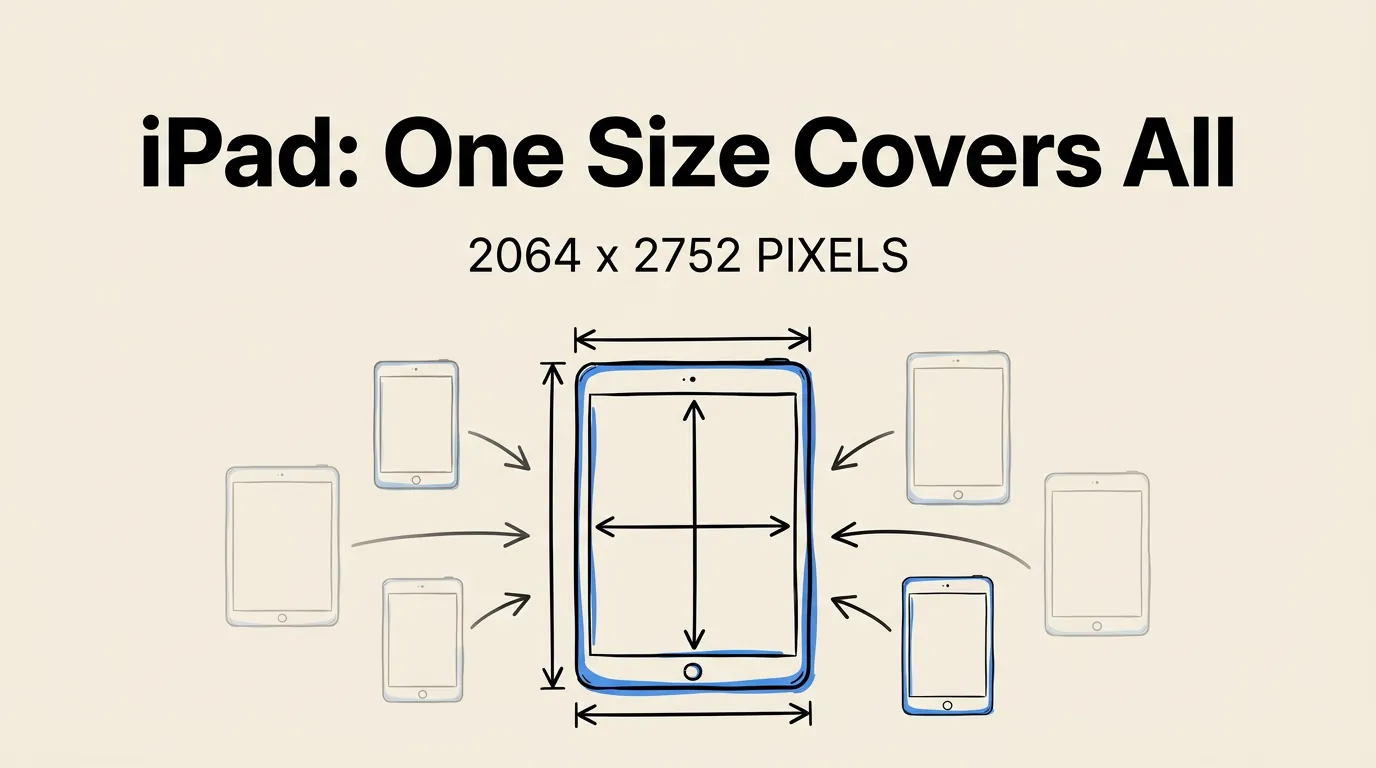
2064 x 2752 pixels (portrait) or 2752 x 2064 pixels (landscape).
This covers iPad Pro (all generations) and iPad Air (M3, M2). Also accepts the older 12.9” spec of 2048 x 2732 pixels.
All Other iPad Sizes (Optional)
| Display | Pixels (Portrait) | Devices |
|---|---|---|
| 11” | 1488 x 2266 | iPad Pro M5/M4, iPad Air 5th/4th, iPad mini |
| 10.5” | 1668 x 2224 | iPad Pro (2017), iPad Air 3, iPad 7th-9th |
| 9.7” | 1536 x 2048 | iPad Air 1/2, iPad 3rd-6th, iPad mini 2-5 |
Apple Watch, Mac, TV & Vision Pro
| Platform | Resolution | Notes |
|---|---|---|
| Watch Ultra 3 | 422 x 514 | Must use same size across all localizations |
| Watch Series 11/10 | 416 x 496 | |
| Watch Series 9/8/7 | 396 x 484 | |
| Watch Series 6/5/4/SE | 368 x 448 | |
| Mac | 2880 x 1800 | Must be 16:10 aspect ratio |
| Apple TV | 3840 x 2160 | Also accepts 1920 x 1080 |
| Vision Pro | 3840 x 2160 |
General Requirements
- Format: PNG or JPEG. PNG recommended for sharper text.
- Quantity: 1 to 10 screenshots per device size.
- No transparency. Screenshots must be fully opaque.
- No rounded corners. Submit rectangular images. Apple adds corners automatically.
- First 3 matter most. Only the first 3 show in search results. Learn why in our design principles guide.
How to Export at the Right Size
Screenshot Lab handles sizing automatically. Select your target devices and export. No manual resizing. See how it compares to other tools.
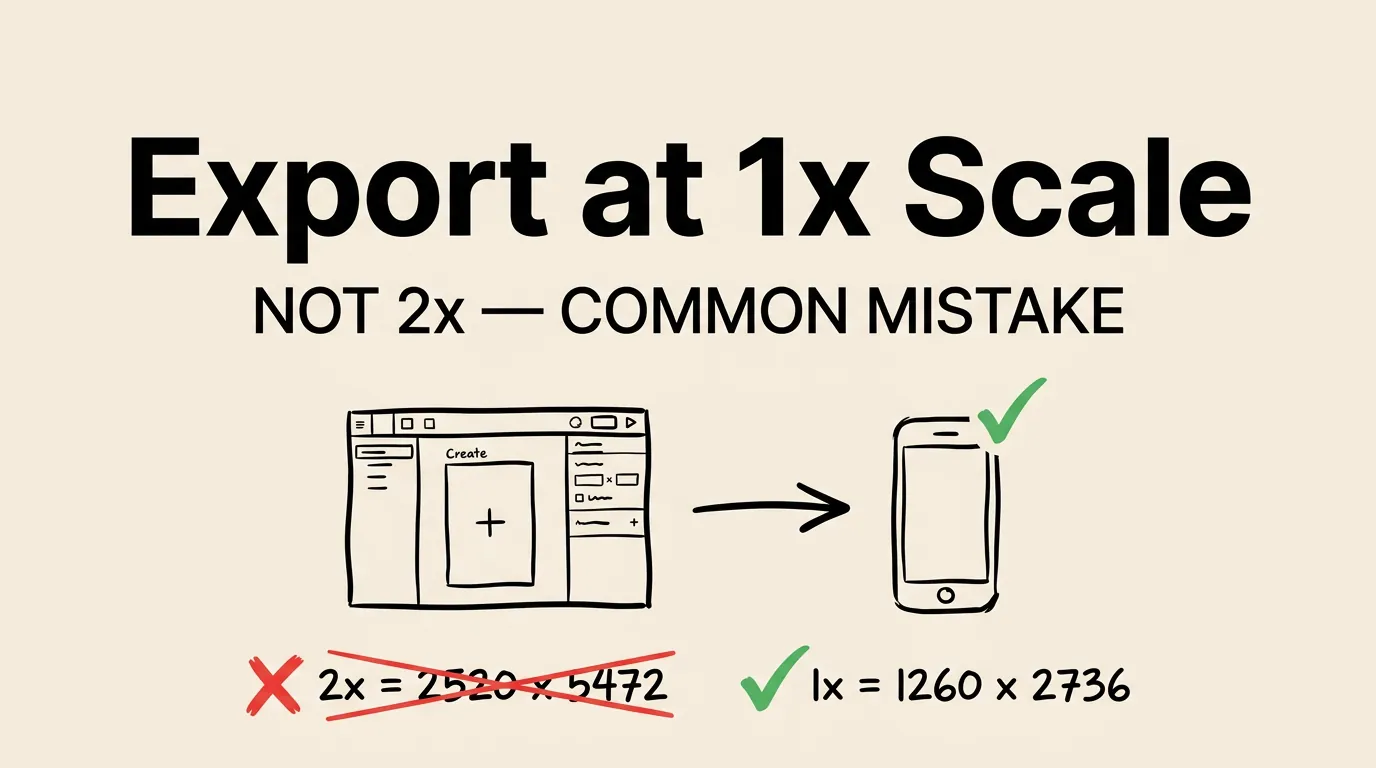
Figma / Sketch: Create an artboard at the exact pixel dimensions. Export as PNG at 1x (not 2x, because App Store Connect expects the exact pixel count).
Xcode Simulator: Screenshots come out at correct resolution, but you’ll need to add backgrounds, captions, and device frames separately.
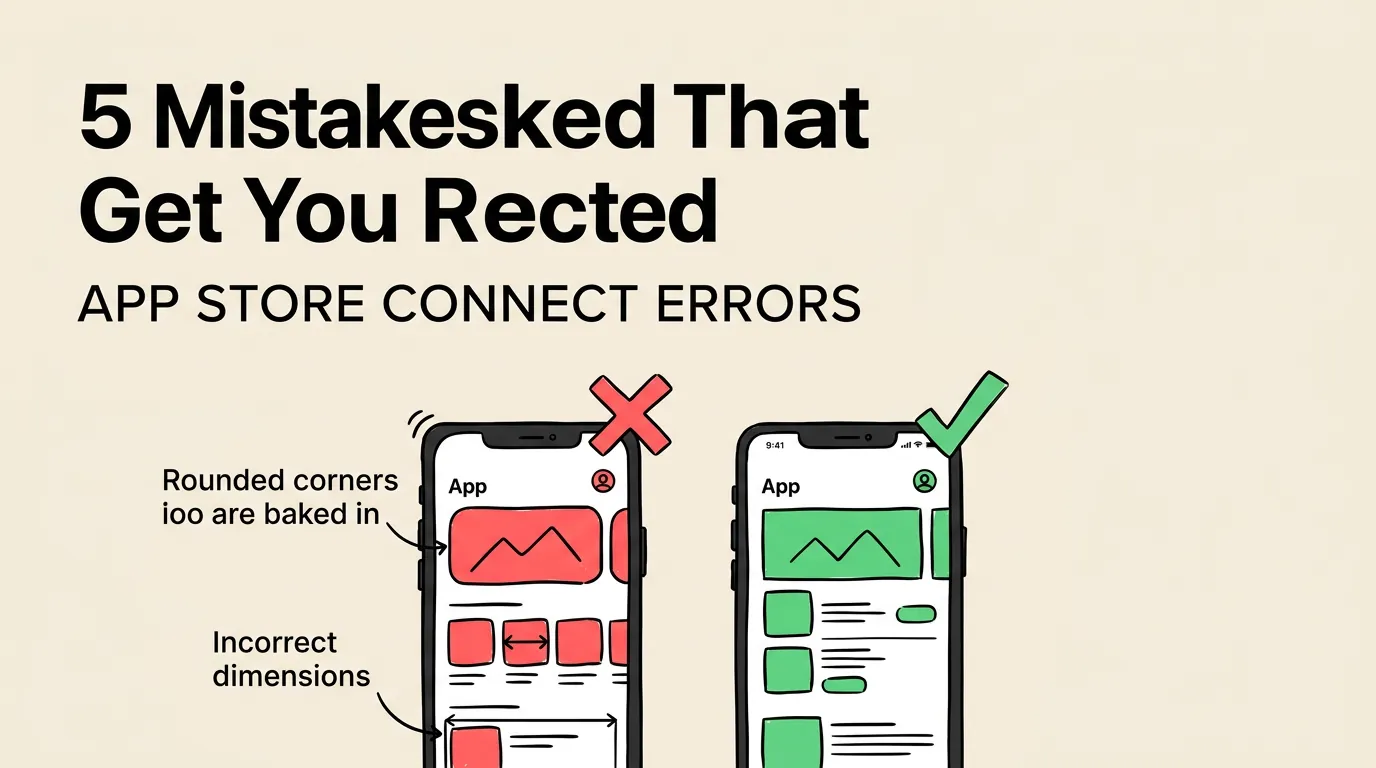
5 Mistakes That Get Your Submission Rejected
- Exporting at 2x from design tools. 1260 x 2736 at 2x = 2520 x 5472. Rejected.
- Baking in rounded corners. Apple adds its own. Double rounding looks broken.
- Wrong aspect ratio. Even 1px off and App Store Connect rejects the upload.
- Forgetting iPad screenshots. If your iOS app runs on iPad (the default), iPad screenshots are required.
- Same screenshots for all sizes. Text readable at 1260px may be unreadable when scaled to 640px.
FAQ
What is the most important screenshot size for the App Store in 2026? The 6.9-inch iPhone size at 1260 x 2736 pixels. All other iPhone sizes auto-scale from it.
Do I need to provide every screenshot size? No. Just 6.9” iPhone and 13” iPad (if your app supports iPad). Everything else auto-scales.
How many screenshots should I upload? We recommend 6-8 screenshots. The first 3 are critical since they appear in search results. Our best practices research covers the ideal number in detail.
Can I use JPEG instead of PNG? Both work, but PNG is recommended for text sharpness.
What if my app looks different on iPhone vs iPad? Provide separate iPad screenshots rather than relying on auto-scaling.
Summary
For 2026, you need:
- iPhone 6.9”: 1260 x 2736 px
- iPad 13”: 2064 x 2752 px
- Export as PNG at 1x scale
Two sizes cover the vast majority of cases. Tools like Screenshot Lab handle the sizing automatically so you can focus on making your screenshots actually convert.