The Indie App Launch Guide: From Idea to First 1,000 Downloads
A step-by-step indie app launch playbook covering pre-launch prep, launch day execution, and the first-week strategy to reach 1,000 real downloads.
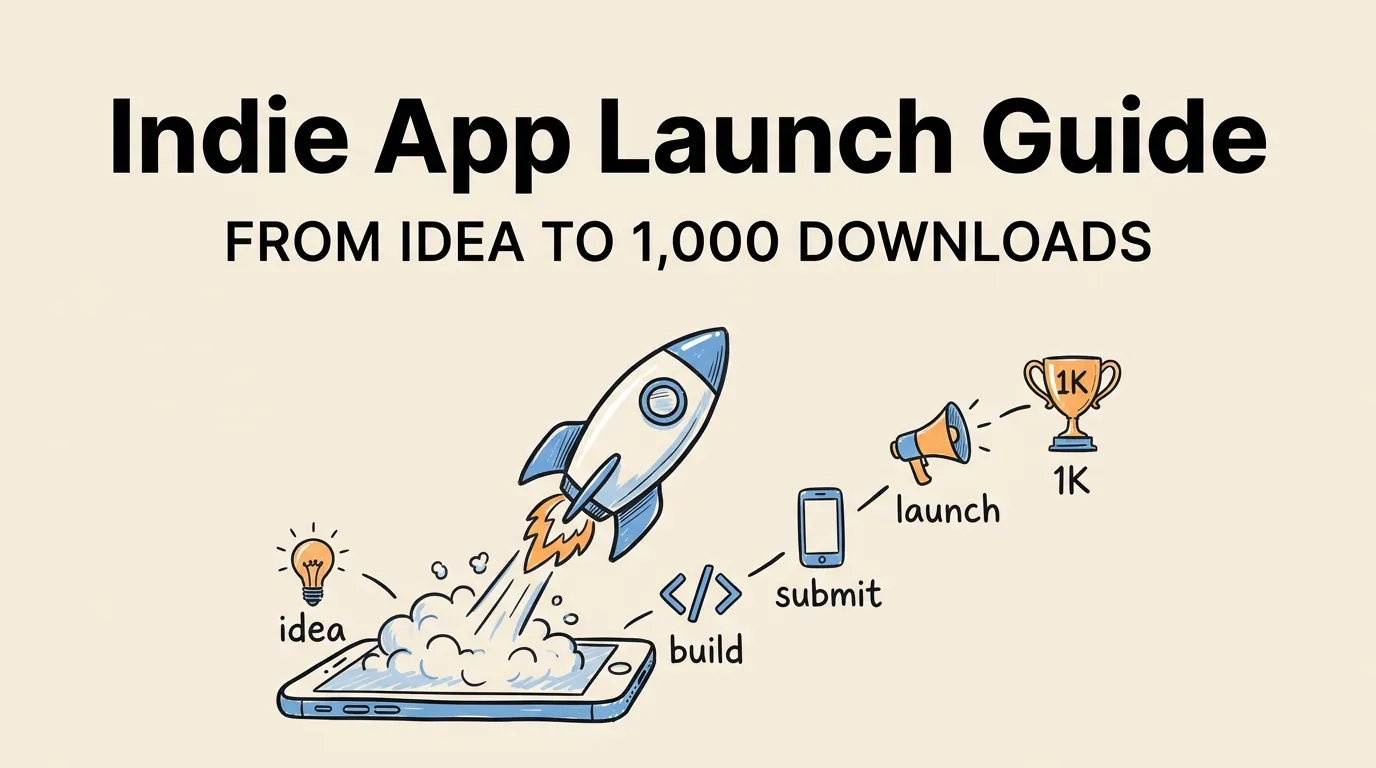
Most indie apps never reach 1,000 downloads. Not because they are bad apps, but because their developers treat launch day as an afterthought. They spend months building, tap “Submit for Review,” and then wonder why nobody shows up.
The difference between apps that gain traction and apps that fade into the void comes down to preparation. A well-executed launch does not require a marketing budget or connections at Apple. It requires a plan, a timeline, and the discipline to follow through on unglamorous work like writing metadata, preparing screenshots, and building a small audience before you ship.
This guide covers the entire journey from idea validation to your first 1,000 downloads. Every tactic here has been used by real indie developers who launched successfully without venture capital or a marketing team.
Phase 1: Pre-Launch Preparation (8-4 Weeks Before Launch)
The work that matters most happens before your app is ready. This is where most indie developers lose the game because they skip straight to building.
Validate the Idea Before You Build
Spend a week on validation before writing a single line of code. Search the App Store for competing apps. Read their 1-star reviews. Those reviews are your product roadmap because they tell you exactly what users want but are not getting.
| Validation Method | Time Required | What It Tells You |
|---|---|---|
| App Store competitor review mining | 2-3 hours | Unmet user needs |
| Reddit/forum keyword searches | 1-2 hours | Demand signals and language users use |
| Google Trends comparison | 30 minutes | Whether interest is growing or declining |
| App Store keyword volume (via ASO tool) | 1 hour | Search traffic potential |
Set Up Your App Store Listing Early
You can create your app listing in App Store Connect before your app is ready. Do this at least 4 weeks before launch. This gives you time to:
- Research and select your keywords using proper keyword research methodology
- Write and rewrite your title, subtitle, and description
- Prepare all screenshot sizes and variants
- Get feedback from beta testers on your listing
Your App Store listing is your landing page. It deserves as much attention as your code.
Prepare Your Screenshots Like a Pro
Screenshots are the single most impactful visual element of your listing. According to Apple’s own data, 70% of App Store visitors never tap past the search results page, which means your first screenshot and your icon are doing almost all the conversion work.
Do not leave screenshots for the last minute. Start with a clear screenshot creation process and follow established design principles that top apps use. Consider what your first screenshot communicates in under two seconds.
Use a tool like Screenshot Lab to generate professional screenshots with proper device frames, captions, and backgrounds. The difference between amateur and professional screenshots is often the difference between a 2% and 8% conversion rate.
Phase 2: Building Your Pre-Launch Audience (4-2 Weeks Before)
You need an audience before you have an app. Even a small one. Fifty engaged people who are waiting for your launch will do more for you than 5,000 passive followers.
Where to Build Early Interest
| Channel | Effort Level | Expected Impact | Best For |
|---|---|---|---|
| Twitter/X dev log | Medium | Medium | Building developer community |
| Reddit niche subreddits | Low | High | Direct user feedback |
| Personal blog/newsletter | Medium | Medium-High | SEO and credibility |
| TestFlight beta invites | Low | Very High | Validating product-market fit |
| Product Hunt upcoming page | Low | Medium | Launch day amplification |
The best pre-launch strategy is a public build log. Share your progress weekly. Show the messy middle, not just the polished result. People root for indie developers they feel connected to.
Beta Testing Is Marketing
Every TestFlight beta tester is a potential launch-day reviewer. Aim for 50-100 beta testers before launch. Where to find them:
- Your Twitter/X followers who express interest
- Reddit communities related to your app’s category
- Indie dev communities (IndieHackers, the iOS dev Slack/Discord groups)
- Friends and family (yes, they count)
Ask beta testers specific questions: “Would you pay for this?” and “What would you tell a friend this app does?” Their answers sharpen your positioning.
Phase 3: Launch Week Preparation (2-1 Weeks Before)
This is the execution phase. Every piece needs to be in place.
The Pre-Launch Checklist
Complete every item on this list before you submit for review:
- App Store listing fully optimized (title, subtitle, keywords, description)
- All screenshot sizes uploaded for every required device
- App preview video recorded and uploaded (if using one)
- Privacy policy URL set and accessible
- Support URL set and accessible
- App Review information filled in (demo account if needed)
- Marketing URL ready (your landing page)
- Category and age rating selected
- Price and availability configured for all target regions
- Localized screenshots for your top 3-5 markets
Submit for Review Early
Submit your app for review at least 5-7 days before your target launch date. Select “Manually release this version” so you control when it goes live. Review times average 24-48 hours, but rejections happen. Give yourself a buffer.
If you get rejected, do not panic. Read the review guidelines carefully, fix the issue, and resubmit. Most rejections are fixable within a day.
Phase 4: Launch Day Execution
You have one shot at launch day momentum. The App Store algorithm rewards velocity, meaning a burst of downloads in a short period signals that your app is worth promoting.
Launch Day Timeline
| Time | Action |
|---|---|
| 6:00 AM | Release your app manually in App Store Connect |
| 6:30 AM | Publish your launch blog post |
| 7:00 AM | Post on Twitter/X, LinkedIn, Mastodon |
| 7:30 AM | Submit to Product Hunt (if applicable) |
| 8:00 AM | Post in relevant Reddit communities (genuinely, not spammy) |
| 8:30 AM | Email your beta testers and newsletter subscribers |
| 9:00 AM | Reach out to press contacts and bloggers |
| 12:00 PM | Second round of social posts with different angles |
| 3:00 PM | Engage with every comment, review, and mention |
| 6:00 PM | Thank-you post with early stats |
| 9:00 PM | Respond to all App Store reviews |
Ask for Reviews (But Do It Right)
On launch day, personally message your beta testers and early supporters. Ask them to leave an honest review. The first 10-20 reviews set the tone for your app’s entire lifecycle. A 4.5+ star average in the first week builds enormous social proof.
Use the SKStoreReviewController API to request reviews in-app, but time it after a positive moment (completing a task, achieving a goal) rather than on first launch.
Phase 5: The First Week After Launch
Launch day gets the attention, but the first week determines whether your app has legs.
Monitor and Respond
Check App Store Connect analytics daily during week one. Watch these metrics:
| Metric | What It Tells You | Target |
|---|---|---|
| Impressions | How many people see your app | Growing daily |
| Product page views | How many tap to learn more | 30%+ of impressions |
| Conversion rate | How many download | 5%+ for free, 2%+ for paid |
| Sessions per user | Engagement and retention | 2+ in first week |
| Crash rate | Stability | Under 1% |
If your conversion rate is below target, your listing needs work. Start with your screenshots and A/B test different approaches.
Iterate on Your ASO
Your initial keyword and metadata choices are educated guesses. After one week of data, you can make informed decisions. Check which keywords are driving impressions and downloads. Drop underperformers and try new ones. Read the ASO complete guide for a systematic approach.
Phase 6: Growing From 100 to 1,000 Downloads
The first 100 downloads come from your personal network and launch efforts. Getting to 1,000 requires sustainable channels.
The Three Pillars of Indie App Growth
-
App Store Optimization is your foundation. Optimize your keywords, screenshots, and metadata continuously. This is free traffic that compounds over time. Start with the complete ASO guide and the listing optimization checklist.
-
Content marketing is your long game. Write about the problem your app solves. Create tutorials, comparisons, and guides. Every piece of content is a potential entry point for users who do not know your app exists yet.
-
Community engagement is your growth engine. Be genuinely helpful in communities where your target users hang out. Answer questions. Share insights. When someone has the problem your app solves, your name comes up naturally.
What 1,000 Downloads Actually Looks Like
For most indie apps, the path to 1,000 downloads takes 2-6 months. Here is a realistic trajectory:
| Week | Cumulative Downloads | Primary Source |
|---|---|---|
| 1 | 50-150 | Launch buzz, personal network |
| 2-4 | 200-400 | Product Hunt tail, early ASO |
| 5-8 | 400-700 | Organic search, content marketing |
| 9-12 | 700-1,000 | Compounding ASO, word of mouth |
The apps that reach 1,000 fastest are not the ones with the best marketing. They are the ones that solve a real problem clearly enough that users tell their friends.
Common Indie Launch Mistakes
After studying hundreds of indie launches, these are the mistakes that come up again and again:
Launching without screenshots. This is more common than you would think. Some developers ship with the default Xcode screenshots or, worse, no screenshots at all. Your screenshots are your storefront. Use proper templates and invest the time.
Ignoring ASO entirely. If you do not research keywords, you are invisible. The App Store has over 2 million apps. Users find new apps through search, and search requires keyword optimization.
Waiting for perfection. Ship your MVP. A good app with great marketing beats a great app with no marketing. You can iterate on features, but you cannot recover from a silent launch.
Not asking for reviews. Apps with fewer than 10 reviews look abandoned. Ask your users. Make it easy for them.
Treating launch as a one-day event. Launch is a process, not a moment. The real work starts after day one.
FAQ
How long before launch should I start preparing my App Store listing? Start at least 4-6 weeks before your target launch date. This gives you time to research keywords, create professional screenshots, write compelling copy, and get feedback from beta testers. You can create your listing in App Store Connect before your app is code-complete.
Do I need a landing page for my indie app? Yes. Even a simple one-page site helps with credibility, press outreach, and SEO. It also gives you a place to collect email addresses from interested users before launch. Many indie developers use their landing page as a pre-launch signup form.
How important are screenshots for an indie app launch? Screenshots are the most important visual element of your listing. They directly affect your conversion rate, which determines how many of your impressions turn into downloads. A professional screenshot set can double or triple your conversion rate compared to raw app captures. Check our guide on screenshot best practices for data-backed recommendations.
Should I launch as free or paid? For your first app, consider launching free (or freemium) to maximize downloads and build an audience. A free app with a clear upgrade path gives you data on what users value enough to pay for. Read our detailed breakdown of app pricing strategies for a full comparison.
What if my app gets rejected during review? Rejection is common and fixable. Read the rejection reason carefully, fix the issue, and resubmit. Most rejections relate to metadata issues, missing privacy labels, or incomplete functionality. Our App Store review guidelines guide covers the most common rejection reasons and how to avoid them.